

A resident or manager asks for the photo of one package. The desk finds the correct record, but the selected attachment is a neighboring parcel, a full-screen screenshot or an email thread containing unrelated images. Permission to provide one photo is not permission to send the whole record.
This guide covers the final assembly and review of an already-authorized image release. It does not decide whether someone is entitled to a record. Use the property’s existing privacy policy and designated approver for that decision, including unusual requests from third parties.
Write the release question in one sentence
Identify the approved recipient, the package reference and the purpose. For example, a fictional approval might cover an exterior-condition photograph for the resident’s own parcel. It would not automatically include another resident’s label, an internal discussion or every intake image from that shift.
If the request is unclear, stop at the approval stage. Do not infer that a person is entitled to images because they know a tracking number or sound familiar on the phone.

Select files individually
Open the actual candidate file in the approved viewer, not only its filename. Confirm the physical subject and record association. Similar names, thumbnail layouts and adjacent selections can make an incorrect file look plausible.
Choose the smallest set that answers the approved question. If a written factual answer is sufficient, ask the responsible reviewer whether an image is needed at all. This is a release decision, not a target to send a fixed number of photos.
Inspect the edges and surrounding information
Check for other labels, screens, people or unrelated items in the frame. If the candidate contains information outside the approved scope, ask the authorized reviewer how to proceed. Do not improvise an editing tool or assume the application supports safe redaction.
Where an approved derivative is produced, label it as a sharing copy and preserve its relationship to the source under the property’s records policy. Do not silently replace an original observation image with an edited copy that changes its apparent meaning.
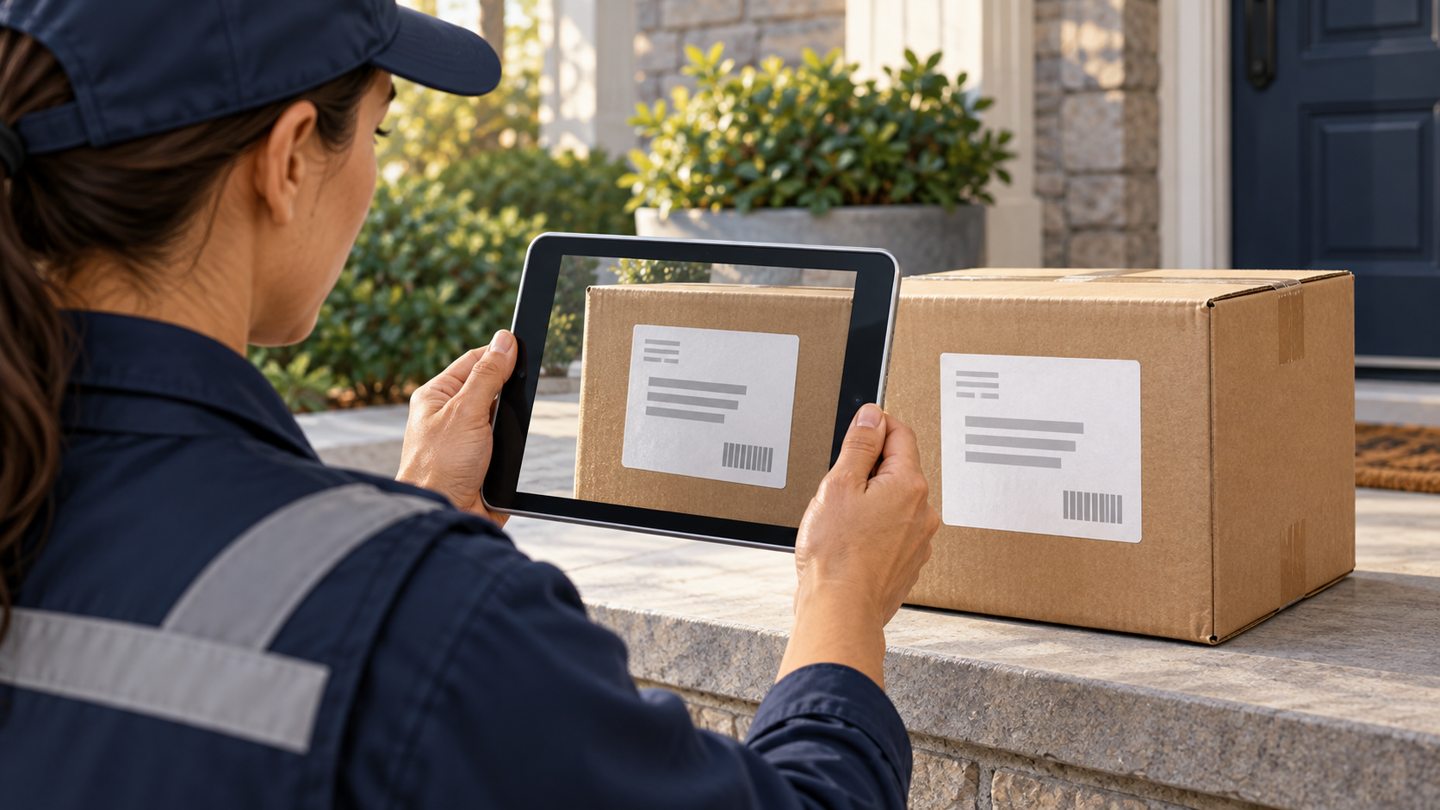
Match the destination to the approval
Verify the recipient address through the property’s approved contact process. An incoming email display name alone may not identify the intended person. Check whether the reply contains additional recipients, quoted attachments or a forwarding chain that expands the audience.
Use the approved transmission channel. Do not move the image to a personal account, public album or temporary file-sharing site merely because the usual method is inconvenient. If the authorized channel cannot send the file, report the delivery limitation rather than substitute a new destination.

Hypothetical release check
A manager approves sending one exterior photo to the verified recipient. Staff discover that the image includes an unrelated label at the frame edge. They hold the send for review. The manager authorizes a limited sharing copy using the organization’s approved process. Staff inspect that exact copy and the destination before sending, then record which version was released.
The example illustrates decision control, not a claim that cropping always resolves privacy or evidence concerns. Some requests require a different response, and staff should not broaden an approval on their own.
Record the actual outcome
After the approved send, distinguish submitted, accepted by the messaging service and confirmed received if those states are available. Do not mark a request delivered merely because a draft was prepared. If the send result is uncertain, check the sent record before retrying.
Keep a concise release note with the package reference, exact file or sharing-copy reference, recipient, purpose, approver and send outcome. Avoid creating another unnecessary archive of the image solely to prove that a message was sent.
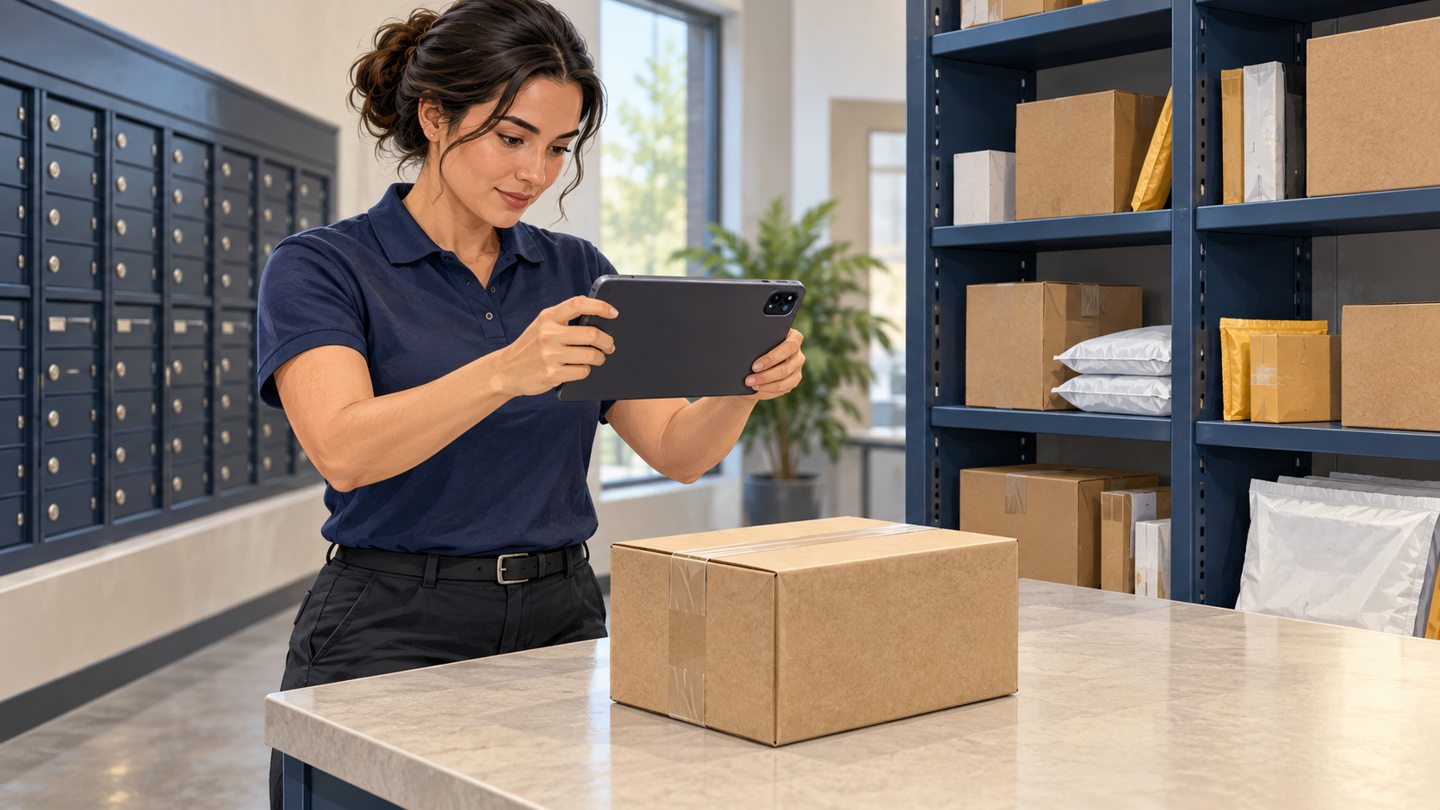
Final release checklist
- Recipient and purpose fall within the recorded approval.
- Exact selected file opened and checked.
- Package association and observation time confirmed.
- Background information reviewed.
- Destination, additional recipients and channel checked.
- Actual send outcome recorded without blind retries.
Use the main photo-record guide for the full workflow. If the selected image belongs to another parcel, return to the record-correction process before completing any release. The broader privacy-policy guide addresses access and retention outside this final-file review.
Source and scope
The FTC business guide supports limiting information access and retaining only necessary data. These release checks do not determine a requester’s legal rights or replace an organization’s approved disclosure process.
Reviewed October 24, 2026. The workflow above is original operational guidance, not a carrier requirement, legal opinion or guarantee. Confirm your property’s approved procedures and the functions available in your current software.
Request a TrackNest demonstration to discuss your package workflow. Confirm how your team would capture, review and correct records before relying on any particular attachment or export behavior.